New: A faster, more intuitive marker editor for locator maps

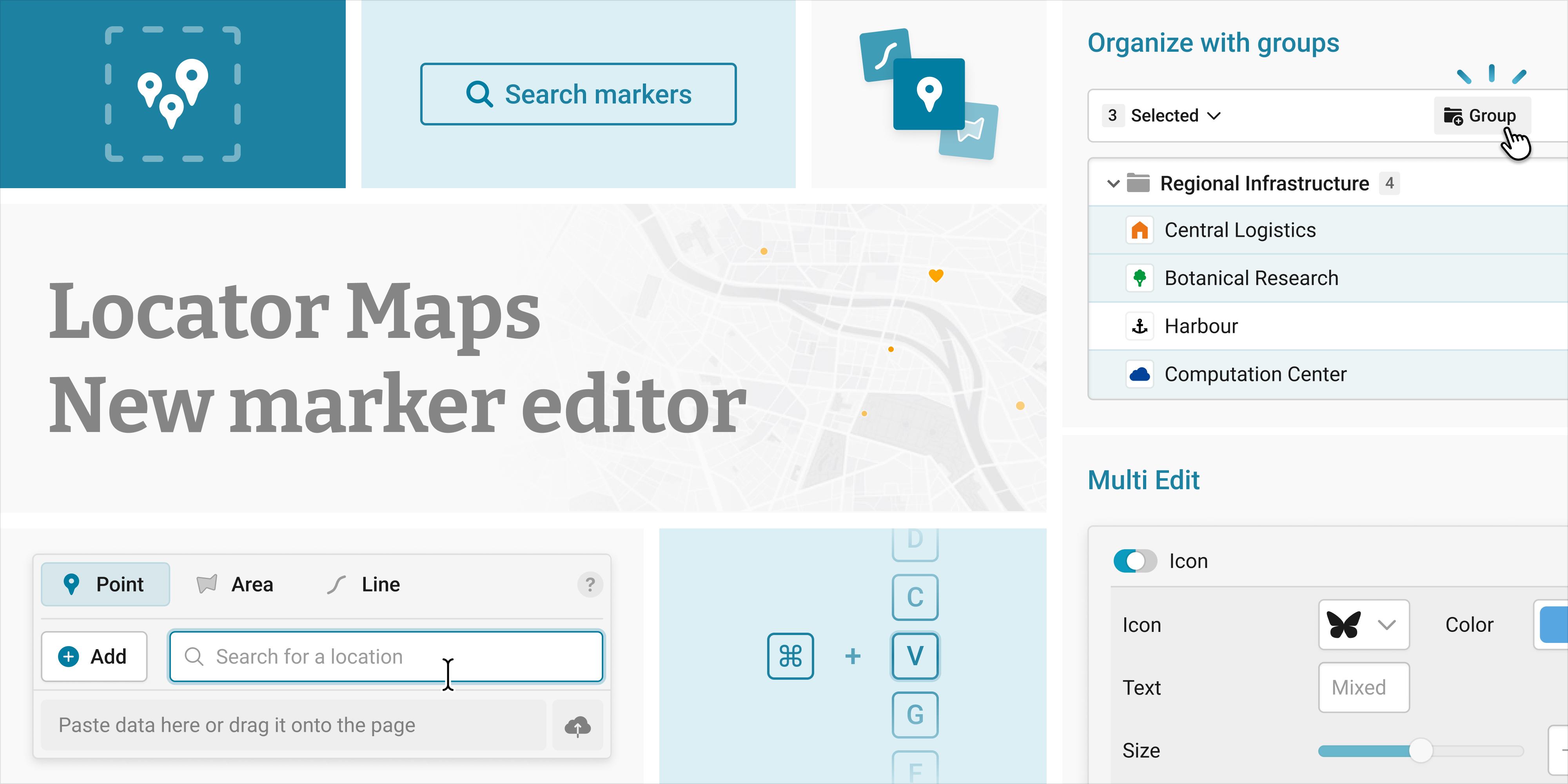
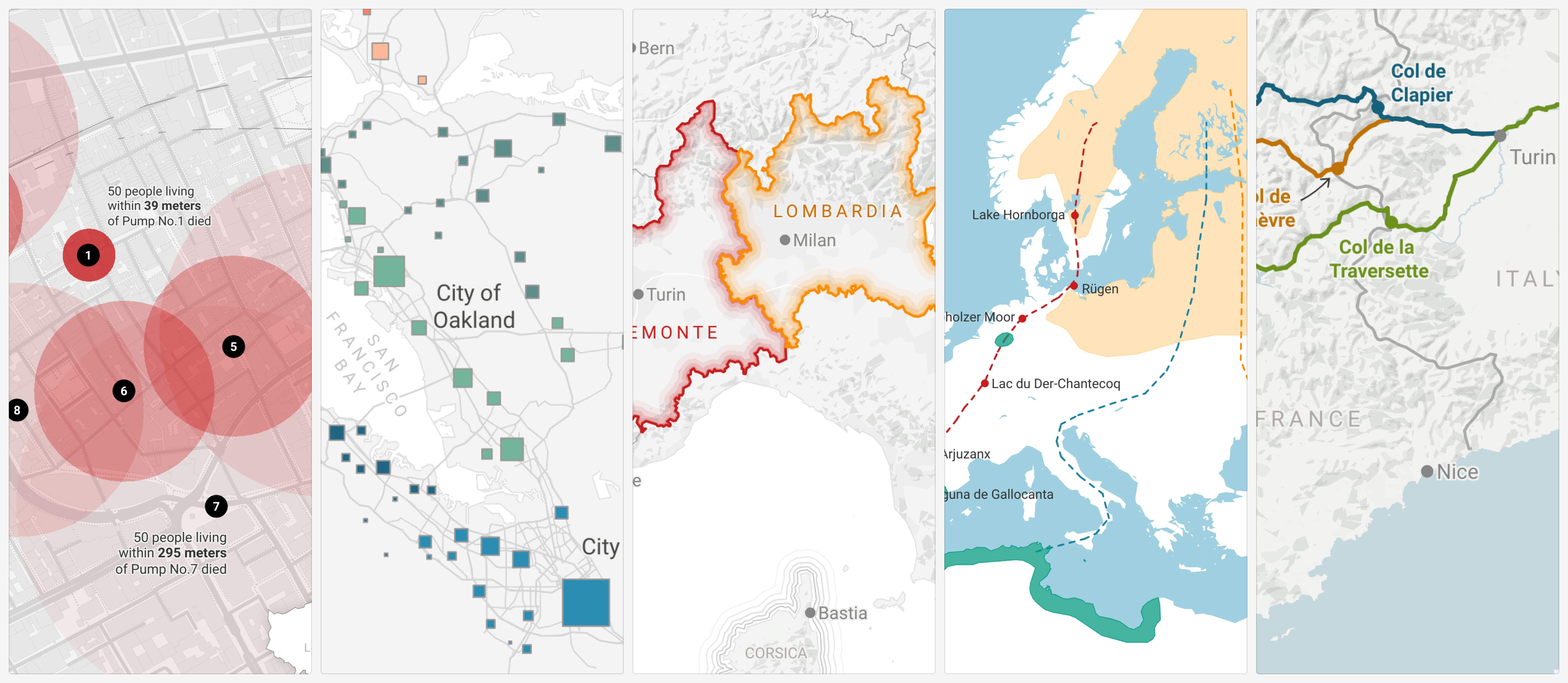
Locator maps let you tell stories about places. You can map points of interest, illustrate a route, show how a situation is unfolding in a region, or help readers understand the extent of an event. In all cases, it comes down to placing and styling the points, lines, and areas that make up your narrative. Today, the editor at the heart of that process gets a major upgrade — which makes working with markers significantly faster, easier, and more fun.
A simpler way to add (many) markers
Whether you’re adding markers one by one or bringing in a dataset, you can now find all options to import markers at the top of the editor. You can search for a location or region, import files such as GeoJSON, KML, or CSV, or even drag or paste data directly onto the page — Datawrapper will automatically recognize the format and import it for you.
Stay in control, no matter how much your map shows
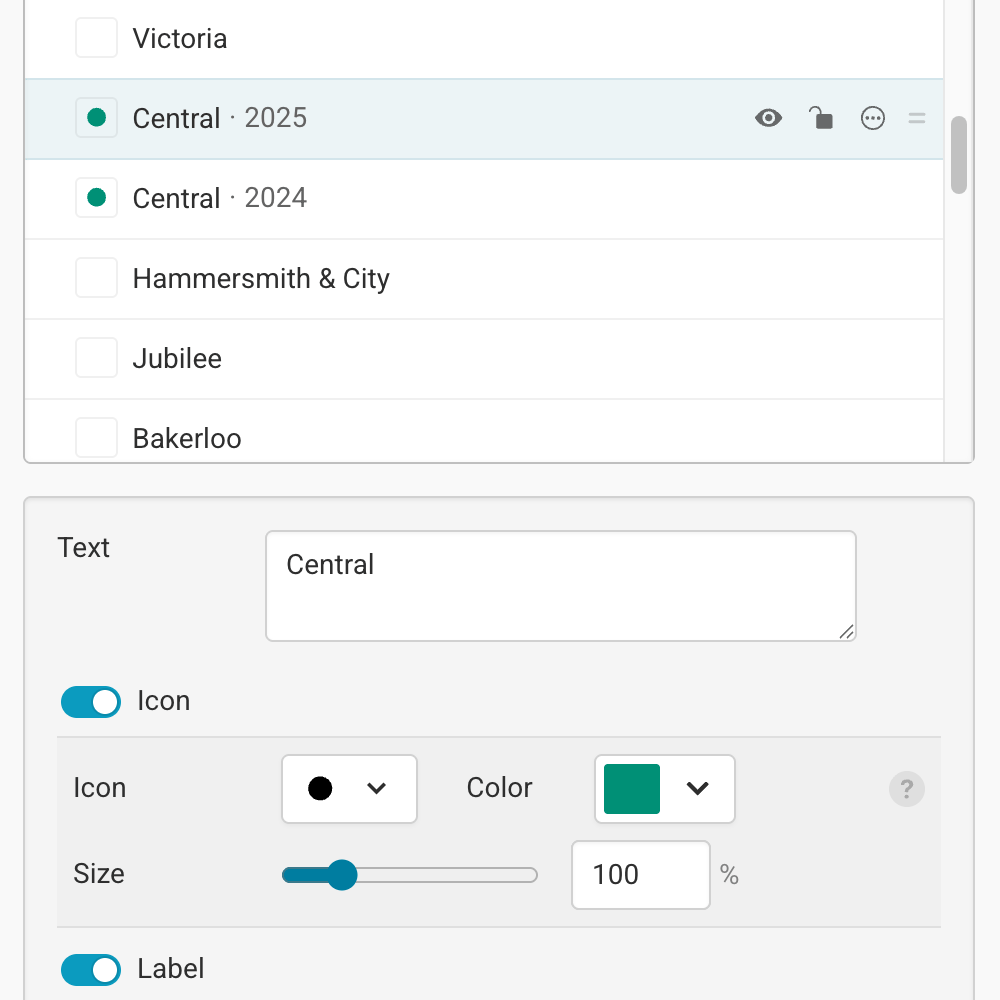
As your map grows more complex, long lists of markers can become difficult to navigate. With this update, you now have more ways to stay focused: organize markers into groups, select and edit multiple markers at a time, and give them names so they're easier to find.
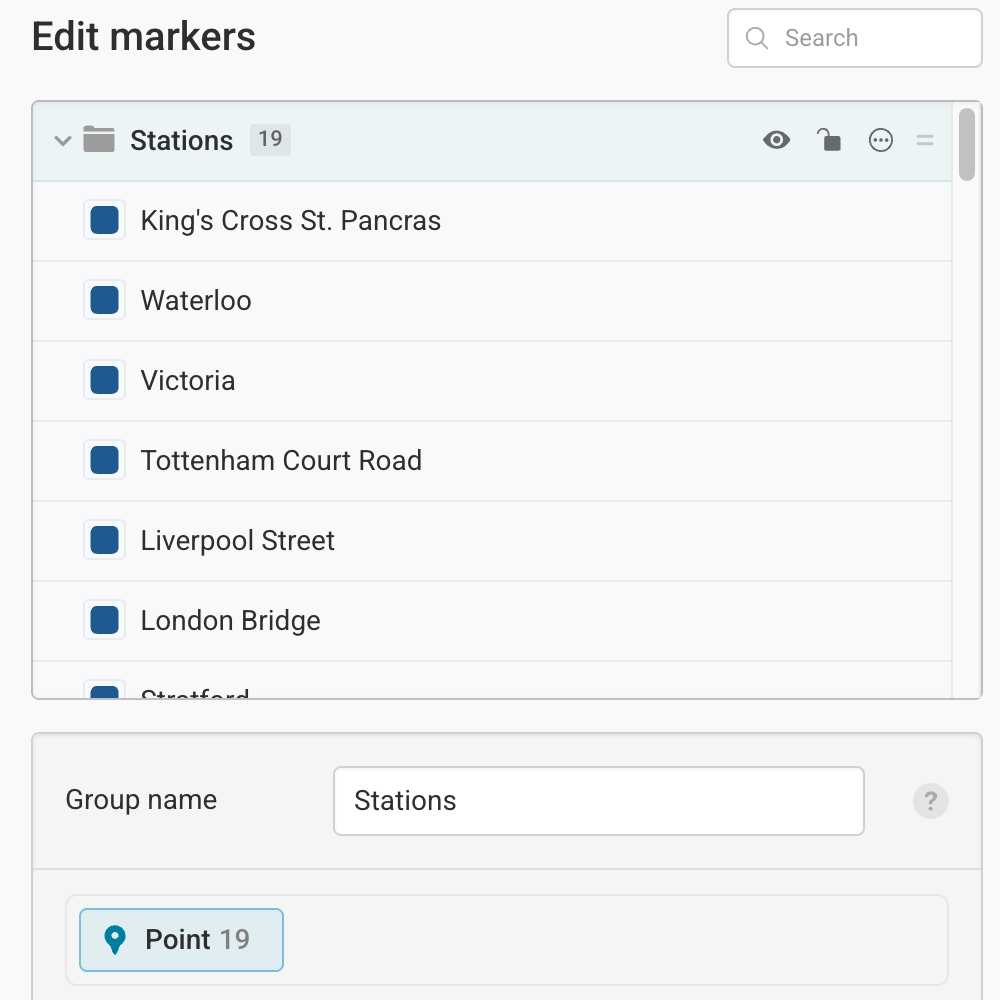
Everything you need to be fast & efficient
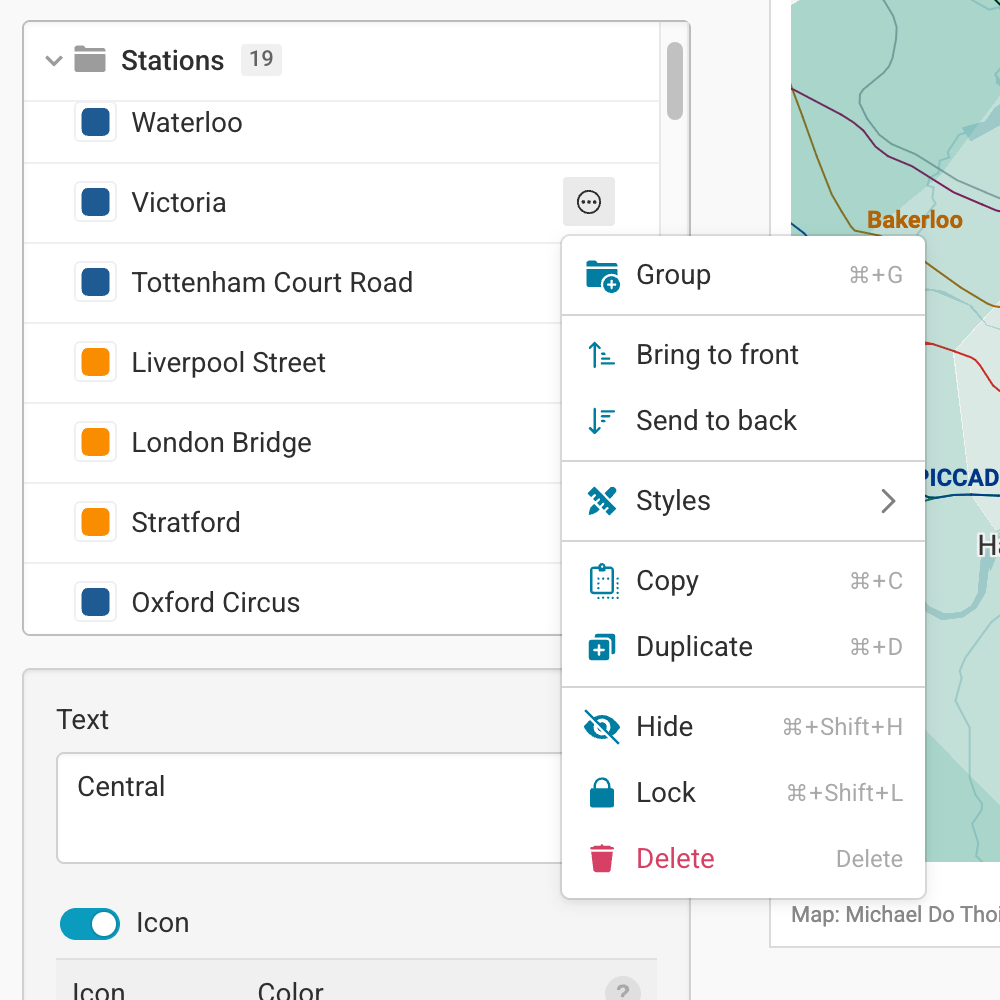
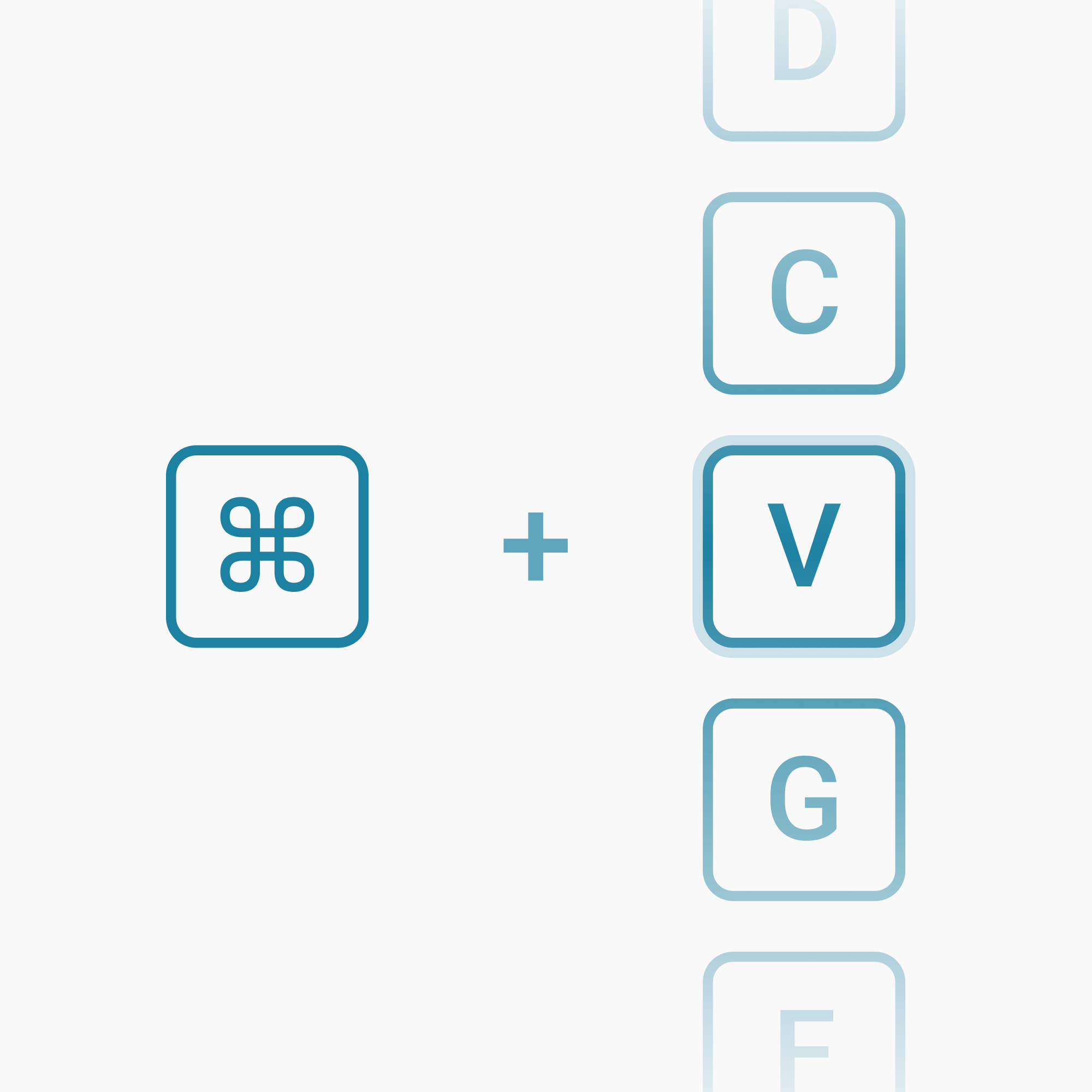
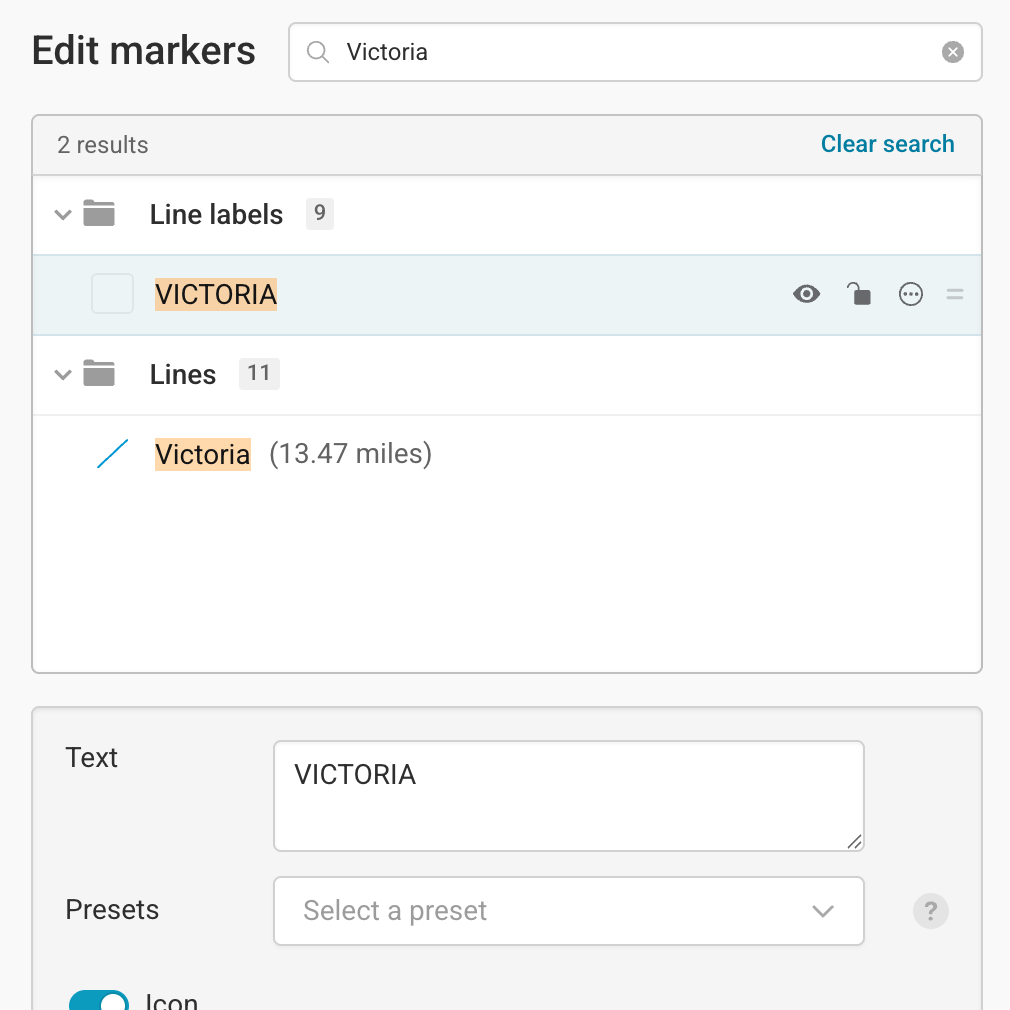
Making your map perfect might need more than just a few edits. With the new marker editor, we included everything needed to make editing faster and more efficient: you can make quick actions directly in the marker list, navigate your markers using only the keyboard, and use the search bar to quickly jump to the right marker in the list.
A refined edit panel for point markers
Editing markers became more powerful too: Point markers icon and label options can now be individually toggled, and their settings expand only when needed. This helps you focus on what matters most and makes the editing process easier.
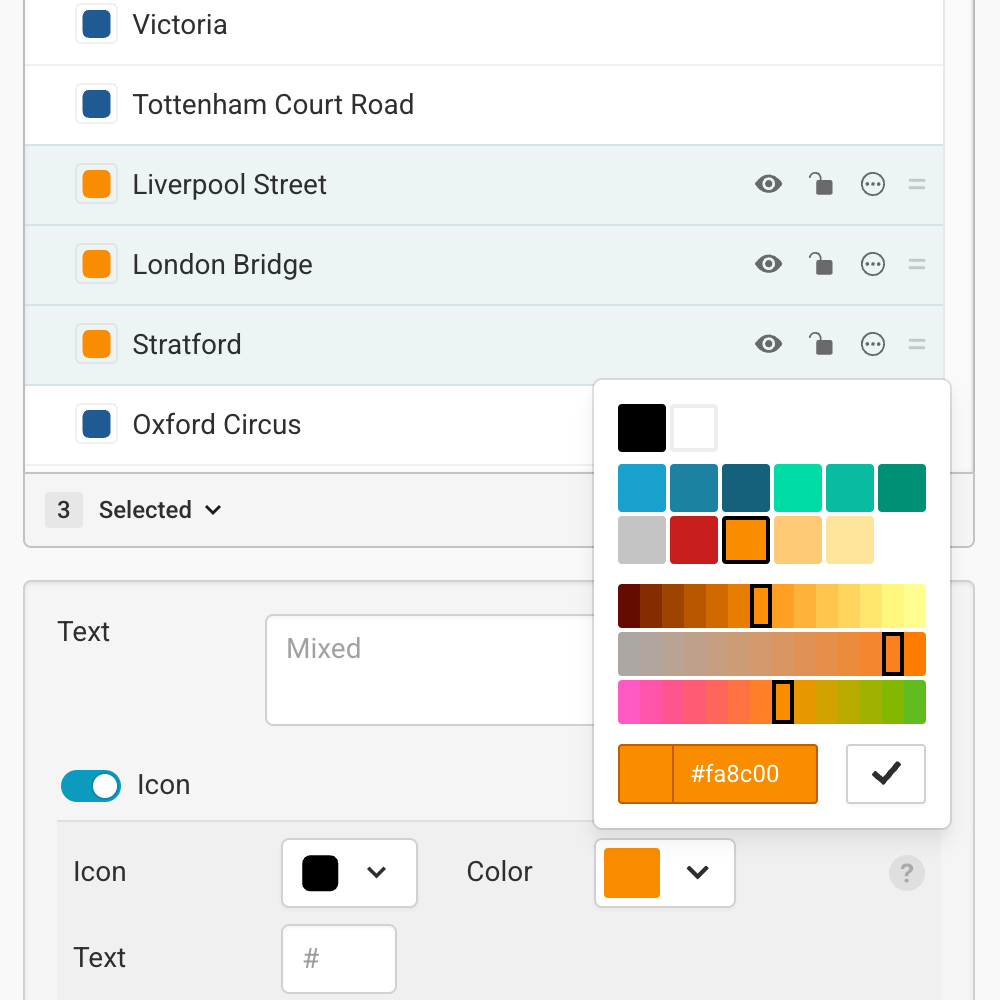
By selecting multiple markers at once, you can now quickly apply changes to all of them. You can easily apply the same styles to all markers in a group, selectively show or hide certain markers on desktop or mobile, or simply adjust their position in the list by dragging & dropping them.
All of these improvements work seamlessly in Datawrapper’s real-time collaborative editor, helping teams move more quickly when building complex maps together.
Learn more
We’ve updated our Academy guides to help you get started with the new editor:
You can find all other locator map documentation in the Academy.
This update is all about making locator maps easier to build and maintain — and we hope it makes the process faster and more enjoyable. As always, we’d love to hear your feedback at support@datawrapper.de.


